
What You'll Learn
This guide shows small business owners how to manage directory profiles themselves. An online business listings consultant can handle that work when help is useful. Learn which online directories matter and how business listings support local SEO.
What Are Business Listings and Online Directories?
A business listing is a profile containing your business name, address, phone number, website, hours, and services. A directory is the site that hosts those profiles. Think of digital Yellow Pages with maps, photos, and reviews.
These business records help potential customers find a local business and decide whether its services meet their needs. Shops and companies offering specialized services can benefit from useful listings.
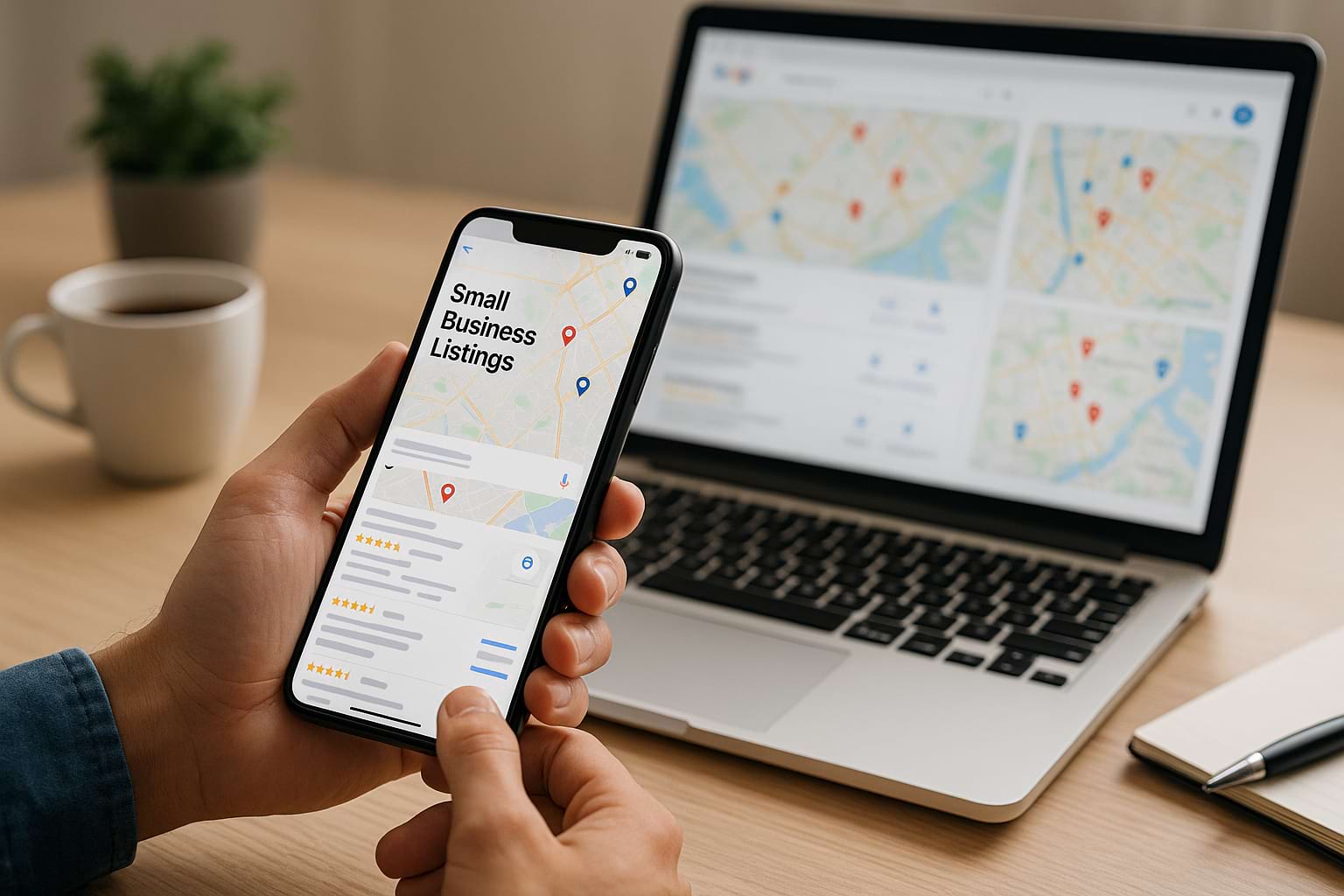
How Business Listings Support Local SEO
Accurate business information helps search engines understand what you offer and where you operate. Consistent citations across trusted directories support local search visibility and help consumers recognize the same business across the web.
Google says local search rankings depend mainly on relevance, distance, and prominence. Complete profiles can improve matching, but neither verification nor weekly posts guarantee higher rankings. Stronger competitors may still appear ahead of you. See Google’s ranking guidance.
The benefits include accurate search results and fewer missed calls. Incomplete listings can reduce search engine visibility and leave buyers without key details.
Accurate profiles give search engines useful business data and can boost your ability to attract relevant enquiries. To maximize local search visibility, connect each listing to a helpful business page on your site.
Choosing the Best Online Directories for Your Local Business
The best online directories are those your customers actually use. Check where competitors appear, whether listings are actively managed, and whether a site serves your local area.
- Google Business Profile: A free tool for eligible businesses to manage their presence on Google Search and Google Maps.
- Apple Maps and Bing: Additional places consumers use to find locations and services.
- Yelp and Facebook: Profiles for contact details, photos, customer questions, and reviews.
- Industry and chamber directories: Relevant directories for specific services, professional associations, and your city.
Start with a handful of reputable directories. Relevant business listings offer an advantage over paid space on an unrelated site. Consider how each platform helps people compare services, contact you, or book.
Free Listings or Paid Features?
Begin with free business listings. Paid services may add advertising, booking, or analytics; compare the cost with attributable enquiries. Paying a directory does not buy better organic placement on Google.
Check the provider’s terms, cancellation rules, and data access against the cost.
How to Set Up Business Listings Step by Step
1. Audit Existing Listings
Search Google for your business name and previous contact details. Check Google Maps, other search engines, and priority directories before creating profiles.
Record each listing's address, phone number, login owner, and errors in a spreadsheet. Duplicate listings can split reviews and confuse customers; request corrections or merges through the platform's process.
For outdated search results beyond directory profiles, see our guide to removing search results from Google.
2. Prepare Accurate Information
NAP means name, address, and phone number. Keep these facts consistent with your website and real-world branding. Small formatting differences matter less than incorrect contact data.
Choose your category, describe services, and list opening hours. Use local keywords naturally in service descriptions to help relevant searchers find you; never add promotional keywords to your official name.
A service provider visiting clients should follow each platform's service-area rules. On Google, hide your address if customers cannot visit that location. Online-only businesses without in-person services are generally ineligible for Google Business Profile.
3. Claim and Verify Profiles
Claim existing listings before adding new ones. Google determines available verification methods, which can include video, phone, email, or mail. Follow the options shown on your profile.
High-quality photos make your Google Business Profile more appealing. Show your premises, products, and work. Add a website link and clear service descriptions. Keep account ownership with your business, even when access is managed by someone else.
Managing Business Listings and Review Management
Assign one person to check business listings monthly and update changed hours or services immediately. Well-managed profiles reduce avoidable confusion. Keep a shared record of edits so information stays accurate across directories.

Protecting Your Online Reputation
Review management means monitoring comments, responding helpfully, and learning from feedback. Thoughtful replies to positive and negative reviews show care and can strengthen loyalty.
Invite customers to leave reviews on Google without incentives or screening for positive experiences. Yelp discourages asking for reviews, so follow each site's rules. Report reviews that violate Google's policies through your Business Profile; disagreement alone is not grounds for removal.
Monitor mentions beyond Google too. Regular review management helps identify recurring service challenges and protects your online reputation.
Measure Enquiries, Not Just Search Positions
Use Google Business Profile performance data to track key interactions, such as calls, directions, and website clicks. Combine this with site analytics and actual enquiries.
Compare results with a baseline and adjust your marketing strategy. Review customer questions to improve descriptions, services information, and review management. Accurate updates can support visibility; activity alone is not a ranking shortcut.

When an Online Business Listings Consultant Can Help
Many business owners can handle the SEO basics themselves. Business consultants and agencies become useful when multiple locations, access problems, or duplicate data exceed your time or expertise.
Choosing Business Consultants for Optional Support
These consultants manage directory information, audit errors, improve categories and descriptions, and establish review monitoring. Their expertise should solve specific challenges rather than promise guaranteed search placement.
When comparing agencies, ask which services are included, whether they specialize in your industry, and how clients receive reports. Some agencies offer specialized services; others bundle listing work with broader marketing solutions.
Choose a service provider offering clear reporting, owner-controlled accounts, and an exit plan. Ask consultants for expert advice on priorities. A consulting provider should explain the work and pricing before access is granted.
For example, growing companies may need one record per business location. Compare manual updates with software solutions as your SEO workload grows.
Business Listings FAQs
Which Local Business Listing Should I Create First?
Start with Google Business Profile if eligible, then add relevant online directories. Focusing on accuracy gives your local business a stronger foundation for local search.
How Many Directories Do I Need?
There is no magic number. Use customer behavior and competitors to guide your strategy; expand only where you can keep listings managed.
How Soon Will Business Listings Improve Visibility?
There is no fixed timeline. Competition, location, profile quality, and Google's processing affect results. Track enquiries over time instead of promising an immediate boost.
What Should I Do About Duplicate Business Listings?
Check that both profiles represent the same location, then use platform support to request a correction or merge. Preserve legitimate reviews and ownership records.
How Do I Keep Business Listings Useful?
Keep information current and engage with customer questions. The key is a manageable routine: claim one important profile, correct its details, then repeat across relevant directories.