

- Discover how Google Business Profile reviews significantly boost your local SEO, online reputation, and customer trust, driving more traffic and revenue to your business.
- Learn effective strategies to effortlessly generate more genuine reviews, respond to both positive and negative feedback in a timely manner, and manage your profile for maximum impact.
- Understand advanced tactics to leverage review insights for operational improvements and marketing, including the use of AI tools and best practices for handling fake reviews.
How Google Reviews Drive Visibility, Trust, and Revenue
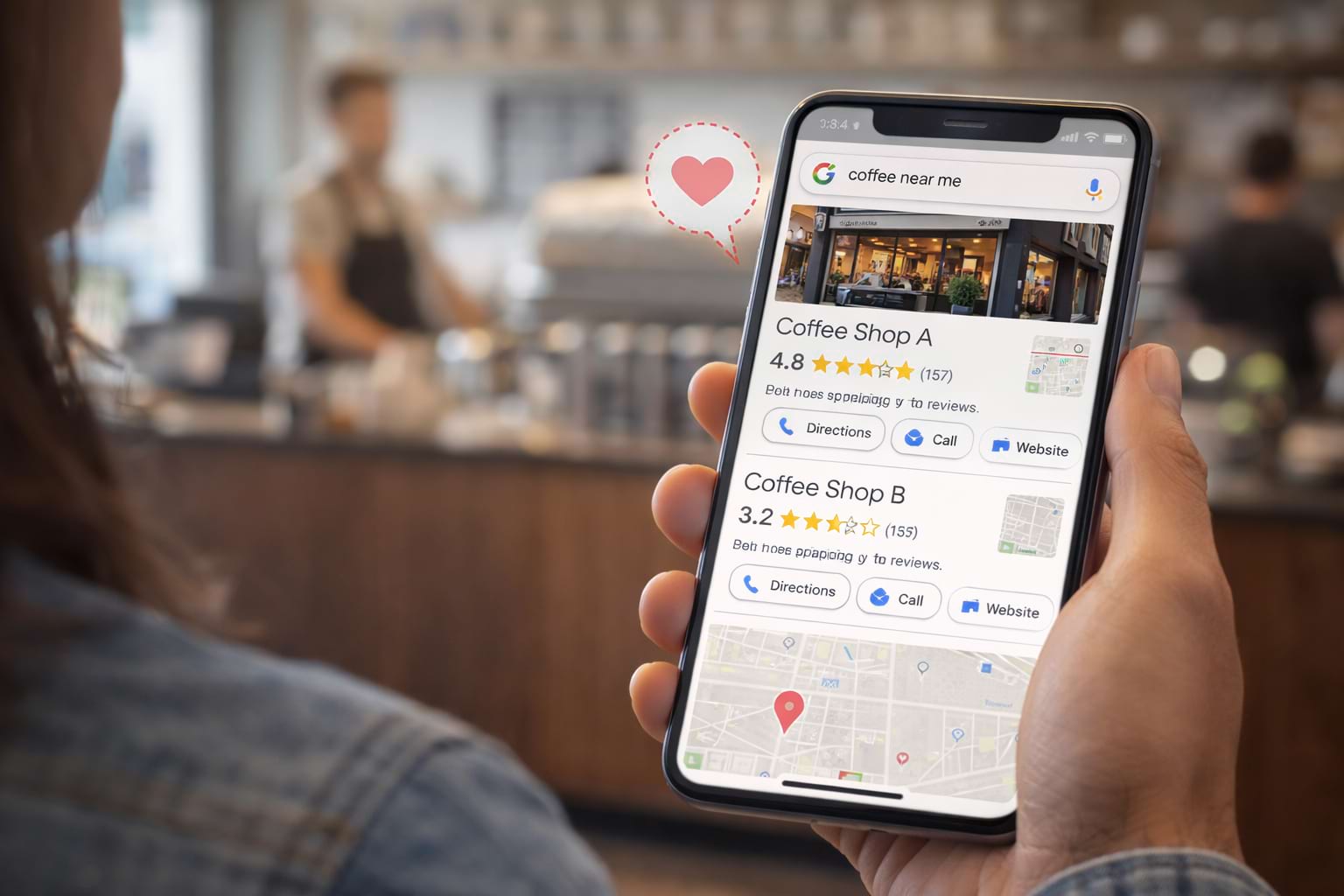
Imagine you’re searching for a new local coffee shop. Two options appear on Google Maps. Shop A has a 4.8-star rating based on 157 reviews. Shop B limps along with a 3.2-star rating from a mere 4 reviews. Which one would you visit? It’s not a trick question. You, I, and 97% of other consumers would head straight for Shop A. That decision, made in under three seconds, perfectly encapsulates the modern marketplace. It is driven almost entirely by Google Business Profile reviews.
If you consider your Google reviews a passive star rating, you are leaving significant money on the table. Your Google Business Profile is no longer just a digital business card; it is your most dynamic storefront, your primary sales tool, and the bedrock of your online reputation. By mastering Google Maps SEO, you can ensure your business is visible to those who need you most. The reviews posted there are not just comments; they are the currency of trust. Understanding this is essential for any business hoping to attract more customers.
We will not give you generic advice in this article. Instead, we will provide the exact playbook to transform your Google reviews from a background metric into a powerful growth engine. We will show you how to effortlessly get more reviews, how to handle inevitable negative feedback expertly, and how to use those insights to make your business undeniably better.
Why Local Customers See Your Google Business Profile Before Your Website
For years, your website was the center of your digital universe. Not anymore. For most local businesses, your Business Profile on Google (formerly known as Google My Business) often receives more views than your homepage. It is frequently the first impression you make when customers find you through Google Search or Google Maps. It is where they see your hours, address, photos, and most importantly, your social proof and customer reviews.
Consider it the ultimate equalizer. A small, family-owned shop can outrank a national chain with a more brilliant Google Business Profile strategy. Why? Google’s goal is to provide the best, most relevant answers to a user’s search. By utilizing effective online review systems, you ensure a steady stream of fresh, positive reviews—one of the strongest signals you can send that your business is active, valued by the community, and an excellent choice for potential customers.
A well-managed Business Profile with a high volume of quality reviews directly impacts your local SEO. It tells Google that you are a legitimate and authoritative entity within your specific business categories and service area. This boosts your visibility in the coveted “Local Pack” (those top three map results), driving more calls, website clicks, and foot traffic.
Building a Repeatable Process for Google Review Generation
The number one question every local business owner asks is, “How do I get more reviews?” The answer is not to awkwardly pester every person who walks through the door. The real secret is to have a system. You need to make leaving feedback so easy that your happy customers cannot help but do it.
The ‘Frictionless Feedback’ System: Your Blueprint for More Reviews
Happy customers are often willing to write a review, but they will not jump through hoops to do so. Your job is to remove every single point of friction from the process. Here’s how:
- Create and Share Your Direct Review Link: The single most powerful tool in your arsenal is your unique Google review link. This link takes customers directly to the review submission box for your business and pre-populates the 5-star option. There is no searching, no confusion. You can find this special link in your Google Business Profile manager under ‘Get more reviews’.
- Master the QR Code for Instant Feedback: A QR code is a visual version of your review link. You can easily create a QR code in your Google Business Profile dashboard and print it wherever you like. Seriously, everywhere! Put a QR code on your receipts. Place one on a small table tent at your checkout counter. Add a QR code to your business cards—this is a simple yet effective tactic within a broader ORM digital marketing strategy. The goal is to catch customers at the peak of their satisfaction. Scanning a QR code with a phone is second nature now.
- Perfect the Timing: Ask When Satisfaction is Highest: Do not send a review link a week after a purchase. The magic moment is within 1-24 hours. For a restaurant, it is when the bill is paid. For a plumber, it is right after the job is completed. This ensures the positive experience is fresh in their minds when they write their comment. You can even train your team to say, “We would be grateful for your feedback to help us improve. You can scan this QR code right here to share your thoughts.” It is a simple, professional way to get more Google reviews.
Automating the Ask: Save Time, Maximize Results
If you are manually sending every review link, you are wasting valuable time. To truly scale your efforts and get a consistent flow of new reviews, you need to automate your review requests. Many CRM and invoicing platforms allow you to set up automated follow-up emails or texts that include your direct review link. This frees you up to focus on running your business while the system works in the background to build your reputation. That is how you save time and ensure you promptly ask every single one of your customers for their valuable feedback.
How Review Responses Shape Public Trust and Brand Perception
Getting reviews is only half the battle. Your responses, or lack thereof, are just as important. Every single one of your posted reviews is an opportunity to engage with customers, showcase your customer service, and build trust. You need to manage this dialogue carefully, often by utilizing a professional review management service to ensure no opportunity is missed. When you respond to a comment, you are not just talking to that one person; you are talking to every future customer who reads that review. This is quite powerful.
The Anatomy of a Perfect Positive Review Response
When someone leaves you a glowing positive review, a simple “Thanks!” is a missed opportunity. Use this template to create a more impactful response:
- Use their name: Address the reviewer by the name on their Google account. It makes the interaction feel personal.
- Thank them specifically: Instead of a generic thanks, reference a detail from their comment. For example, “We are so glad you enjoyed the spicy tuna roll at Sushi Palace!” This clearly shows you read their feedback.
- Reinforce the positive: Briefly mention what makes that part of your business great. For example, “Our chefs work hard to source the freshest fish for all our services.”
- Invite them back: End with a call to action. “We cannot wait to see you again soon!”
This kind of detailed response shows you care and makes other customers feel more confident about choosing your business.
How to Turn Negative Reviews into Reputation Wins
Sooner or later, it will happen. You will get a bad review. Seeing a 1-star rating next to your business name can feel like a punch to the gut. However, how you deal with negative reviews defines your reputation. Panicking is the worst thing you can do. Following the complete reputation management guide to build, monitor, and protect your brand can provide the framework you need to stay calm. The goal is not to win an argument; it is to show other potential customers that you take feedback seriously.
Here’s the proven process to handle negative Google reviews:
- Respond Promptly, but Not Instantly: Aim to respond within 24 hours. This shows you are attentive. However, do not write a response while you are angry. Take an hour to cool off and investigate the claim.
- Acknowledge and Apologize: Start by thanking the reviewer for their feedback and apologizing for their poor experience. “We are so sorry to hear that your visit to The Grill House did not meet expectations.” This is not an admission of guilt; it is an act of empathy.
- Take it Offline: Never engage in a public back-and-forth. Please provide a direct contact (name, email, or phone number) for them to discuss the details further. “Our manager, Sarah, would love to connect with you to make this right. Please reach out to her directly at [email/phone].”
- Keep it Professional: Remember, your response is for the public. Avoid defensive language or excuses. A professional, empathetic comment can often neutralize the damage from a negative review.
Case Study: The Grill House Turnaround
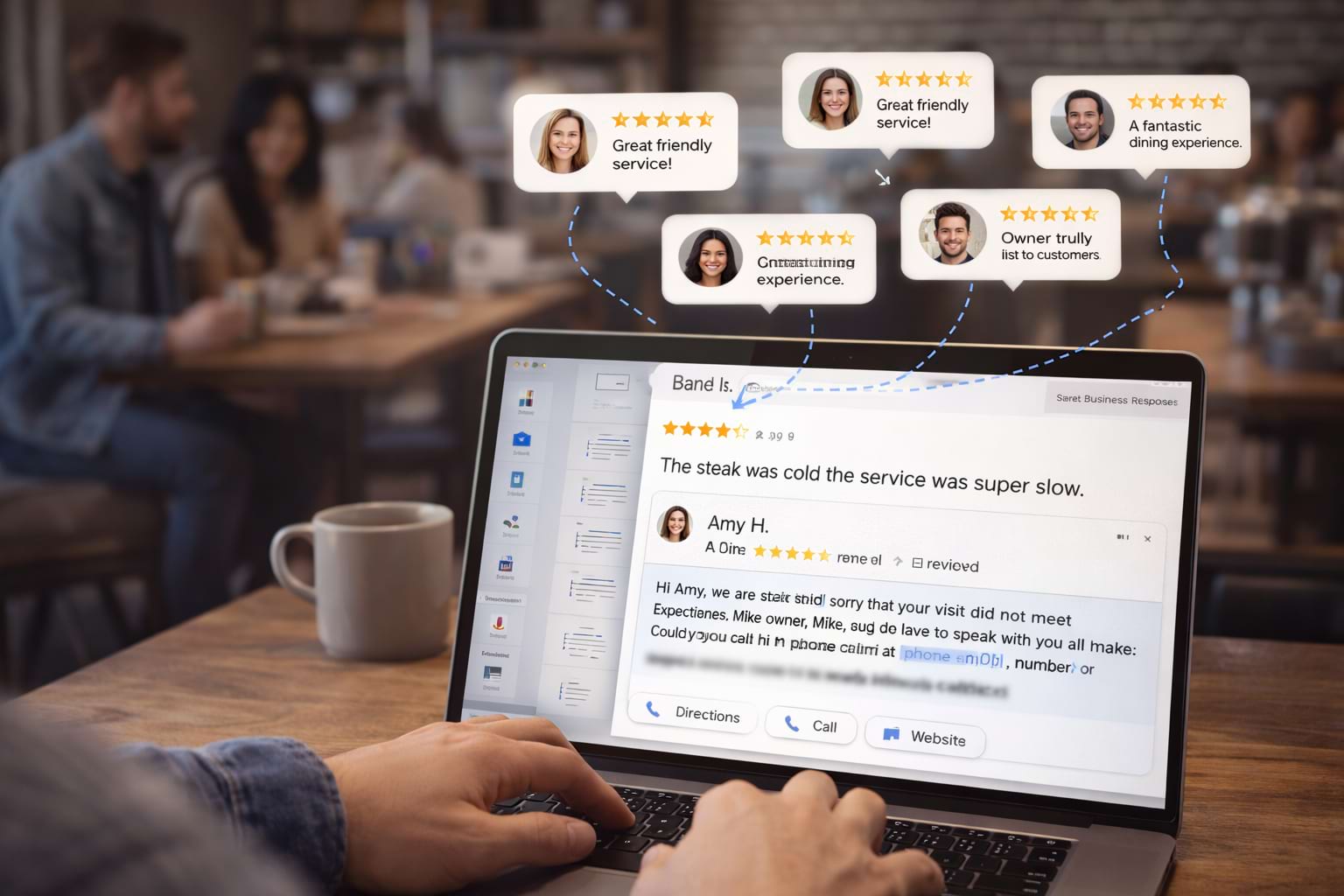
A local restaurant, “The Grill House,” received a scathing 1-star comment about a cold steak and slow service. The owner was tempted to ignore it or write a defensive comment. Instead, he chose to respond publicly: “Hi [Reviewer Name], thank you for your honest feedback. We are incredibly disappointed that we failed to deliver the quality meal and experience we strive for. This is not our standard. Our owner, Mike, would appreciate the chance to discuss this with you personally and hopefully earn back your trust. Please get in touch with him at mike@thegrillhouse.com. We will use your comment in our team training this week.” The original reviewer never updated their review, but three new customers posted reviews in the following week, specifically mentioning they chose the restaurant because the owner’s professional response showed he cared about his customers. This approach works!
The Truth About Removing Bad Reviews from Google
One of the most common questions we get is, “How do I delete a negative review?” Here’s the blunt answer: you cannot. You cannot delete a business review just because you disagree with the opinion, or it makes you look bad. The only way to get a review removed is to prove it violates Google’s content policies. If you try to delete a review, you will fail.
However, you can flag and request that Google delete a review for specific reasons:
- Spam or Fake Content: The review is clearly a fake, bot-generated, competitor-driven, or non-customer review. For example, a review from a user with no other activity, using generic language, and posted from a suspicious IP address.
- Off-Topic: The comment is a rant about politics or something utterly unrelated to their experience with your business—for instance, a review complaining about national policy when your business is a local bakery.
- Restricted Content: The review contains hate speech, harassment, or personal information. This includes reviews that dox individuals or use discriminatory language.
- Conflict of Interest: The review was posted by a disgruntled ex-employee or a competing business. Evidence might include the reviewer’s public profile linking to a competitor.
To report a review, find it on your Business Profile, click the three dots, and select “Report review.” You will have to do this from your personal Google account. Be prepared to explain why it violates policy. It is not a guaranteed process, and Google will not delete a review simply because of a low rating. Your best defense against a bad review is to drown it in a sea of new, positive reviews. Seriously, that is the strategy.

Turning Review Feedback into Operational Improvements
What nobody tells you is that your Google Business Profile reviews are a free source of market research. Instead of just reacting to individual reviews, you should analyze your review data for trends. This is where you find the real gold! Are customers consistently praising a specific employee like ‘Jessica’ for her outstanding service? Give that person a bonus. Are multiple posted reviews complaining about long wait times on Saturday mornings between 10 AM and 1 PM? It might be time to add another staff member or open a second register.
This is how you turn passive customer feedback into active operational improvements. By systematically reading and categorizing every comment, you gain priceless insights into what your customers love and what you need to fix. This is the path to providing better service, which in turn leads to even more positive reviews. It is a powerful, self-sustaining loop.
Here’s a simple way to organize your feedback to find actionable insights:
Note: Prices are just examples and may not reflect actual costs.
Advanced Strategies: Supercharge Your Reputation with Google Reviews
Once you have mastered the fundamentals, you can start using your reviews in more sophisticated ways. This is how you widen the gap between you and your competitors.
Turning Reviews into Marketing Gold: Your Best Testimonials
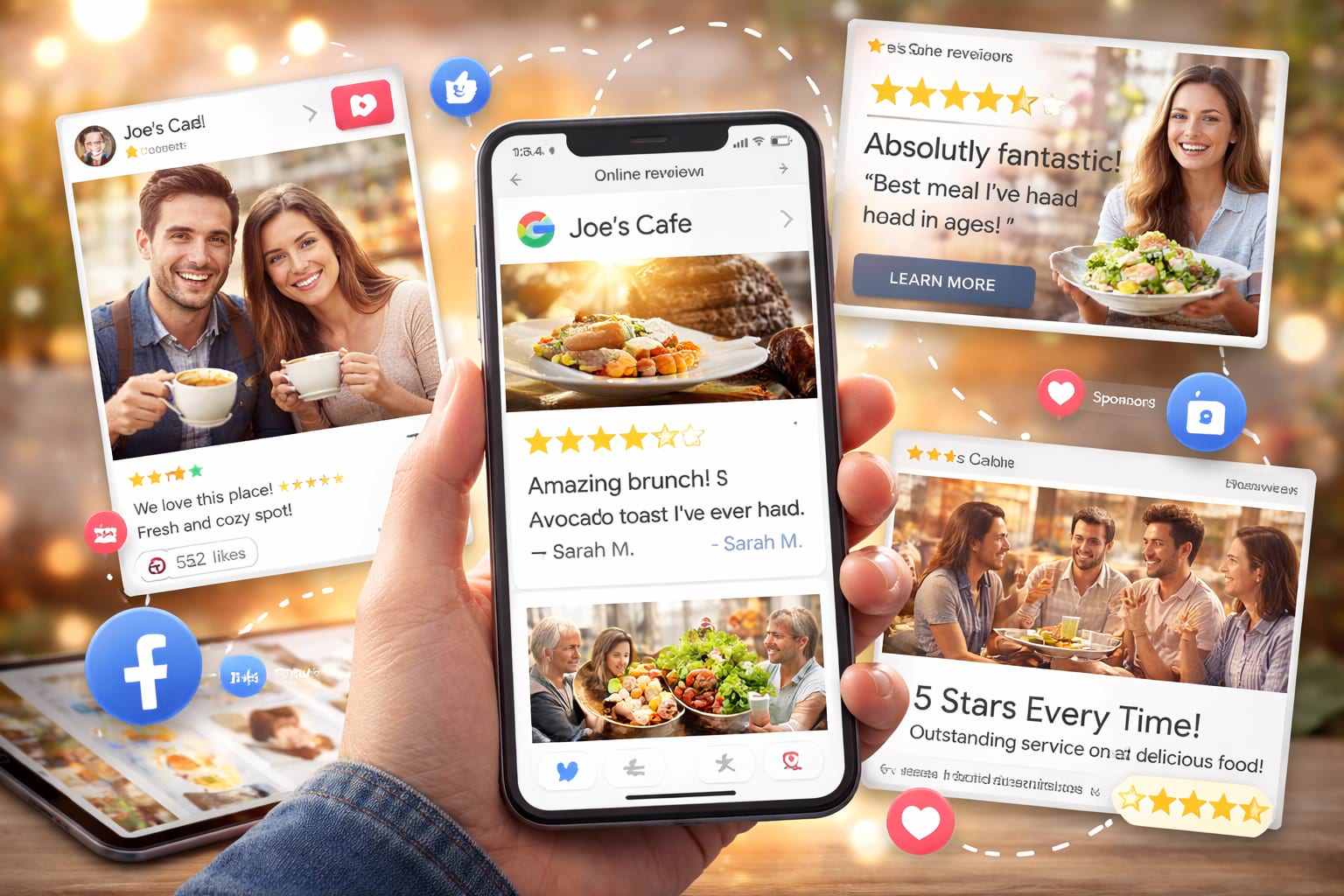
A fantastic positive review should not just sit on your Google Business Profile. It is a powerful testimonial! Screenshot glowing reviews and share them on your social media channels (e.g., Instagram, Facebook). Pull powerful quotes and feature them prominently on your website’s homepage. You can even use snippets from genuine reviews in your paid ad campaigns to highlight specific customer experiences. This social proof is far more convincing than any marketing copy you could write yourself. Do not forget to leverage user-generated content, like photos customers have posted with their reviews, as these add an invaluable layer of authenticity.
The Role of AI: Streamline Your Review Management
Managing reviews, especially for a business with a high volume or multiple locations, can be incredibly time-consuming. This is where AI is becoming incredibly helpful. AI tools can help you manage reviews by analyzing sentiment across hundreds of reviews instantly, identifying recurring themes, and drafting personalized response templates to save time. This allows you to respond to every single comment promptly without spending your entire day on your Google account. For larger operations, the Business API can connect your reviews to a central dashboard, giving you a unified view of your entire online reputation. These tools can also help populate the Q&A section of your business profile with helpful answers.
Why 10+ Reviews is Your Small Business Superpower
Why is hitting at least 10 Google Business Profile reviews so essential? It is about psychology. A business with 2 or 3 reviews feels unproven. Each review, positive or negative, dramatically swings the average rating. But once you cross the 10-review threshold, you establish a credible baseline. It signals to potential customers that you are an established business that people have actually used. This foundation helps you build trust and makes it easier to attract your first 100 reviews. For small companies, this initial momentum is a significant deal.
Final Steps for Mastering Google Business Profile Reviews
Your Google Business Profile reviews are a living, breathing reflection of your business. They are not just a score to be checked periodically; they are an active, powerful tool for customer acquisition, service improvement, and brand building. Strategies, such as learning to boost your Google rating with Bopple, can give you a competitive edge. The difference between a thriving local business and one that struggles often comes down to who takes their customer reviews more seriously.
Stop letting your reputation be a passive outcome. Start actively managing it! Choose one strategy from this article and implement it this week. Create your direct review link. Design a simple card with a QR code for your checkout counter. Draft a template for responding to a positive comment. The small, consistent steps you take today will build trust, attract more customers, and create a decisive competitive advantage for your business that compounds over time.
FAQs About Google Business Profiles and Visibility
Q1: Why can’t I see the reviews of a business?
This can happen for a few reasons. The business profile might be new and have no reviews yet, the reviews might have been removed for policy violations, or there could be a temporary glitch with your Google account or the maps interface. Sometimes, Google restricts reviews in specific business categories or regions.
Q2: Can Google Business Profile be used like a blog to share customer reviews?
Not exactly, but you can achieve a similar effect. Your Business Profile has a feature called “Updates” (or Posts). While not a blog, you can use it to create short posts highlighting a recent glowing review, sharing new photos of your services, or announcing a new promotion. It is a great way to keep your listing fresh and engaging.
Q3: What about service area businesses? Are Google reviews still critical?
Absolutely! Google reviews are just as critical for service area businesses (like plumbers, electricians, and consultants) as they are for brick-and-mortar shops. Your service area defines where you appear on Google Maps, and your reviews are what convince a homeowner to call you over a competitor. All the same tips apply: use a review link in your invoices and follow-up emails, and ask for feedback right after a job well done.
Feeling Overwhelmed? Let Reputation Prime Handle Your Reviews.
Managing Google reviews effectively takes time and a specific set of skills. If you are busy running your business, it is easy for your online reputation to fall by the wayside. That is where we come in.
At Reputation Prime, we help businesses like yours take control of their digital presence. We will help you get more genuine reviews, respond to every piece of feedback professionally, and turn your reviews into a powerful marketing asset. We manage everything so you can focus on what you do best: providing excellent services that your customers love.
Get Your Free Reputation Audit Today!

